This is the Trace Id: 292fdfd6e6148d498b9c3cf8bb0dcd36
Skip to main content Shop PCs Compare Help and support For business Microsoft 365 Azure Copilot Windows Surface XBOX Deals Small Business Support Windows Apps Outlook OneDrive Microsoft Teams OneNote Microsoft Edge Moving from Skype to Teams Computers Shop XBOX Accessories VR & mixed reality Certified Refurbished Trade-in for cash XBOX Game Pass Ultimate PC Game Pass XBOX games PC games Microsoft AI Microsoft Security Dynamics 365 Microsoft 365 for business Microsoft Power Platform Windows 365 Small Business Digital Sovereignty Azure Microsoft Developer Microsoft Learn Support for AI marketplace apps Microsoft Tech Community Microsoft Marketplace Software companies Visual Studio Microsoft Rewards Free downloads & security Education Gift cards Licensing Unlocked stories View Sitemap
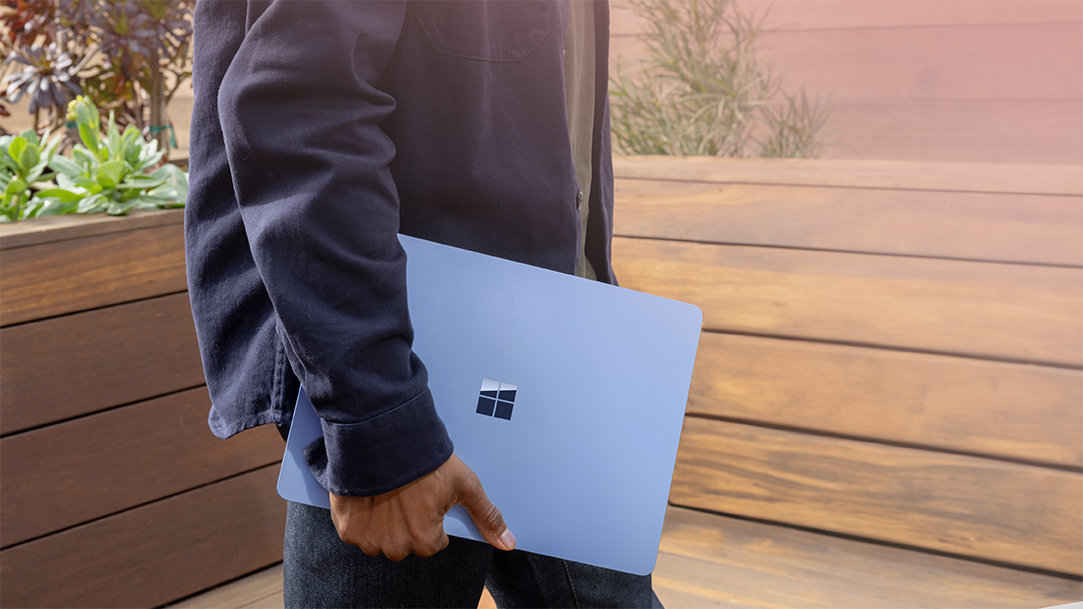
Windows 11 user carrying a new PC

January 22, 2026

What to look for in a new PC

Shopping for a new PC doesn’t have to feel like stumbling through a maze of specs, jargon, and shiny screens calling your name. Whether you want the best desktop computer, a portable powerhouse, or something smart and budget-friendly, it all comes down to knowing what you need, and how tools like Windows 11 and Copilot can help you get even more from your next device. Let’s make this easy.

How to determine your needs before buying a new PC

Before you start comparing laptops, take a moment to think about how you really use a computer. Your daily habits shape everything: from how much power you need to which features will make the biggest difference.

Are you mostly:

  • An everyday user who browses, streams, shops, and checks email?
  • A creator editing photos, graphics, or video?
  • A gamer playing indies, competitive titles, or both?
  • A multitasker or remote worker juggling calls, files, and endless tabs?

Different needs point you toward different specs. Creators and gamers benefit from stronger processors and dedicated graphics; multitaskers thrive with more RAM; digital packrats want plenty of fast SSD storage.

Once you know what you need your computer to handle, the next step is choosing the operating system that best supports your workflow.

Why choose Windows 11 for your next PC

If you’re shopping for a PC, you’re likely considering a Windows device: Microsoft’s platform for work, creativity, and play. The latest version, Windows 11, is designed to make everyday computing feel smoother and more intuitive.

Here’s what you get:

  • A calm, modern interface: Clean, intuitive, and refreshingly clutter-free.
  • Built-in AI intelligence with Copilot: Summarize documents, draft emails, adjust settings, brainstorm ideas, all from your taskbar.1
  • Smarter multitasking: Snap Layouts let you quickly arrange multiple windows into clean side-by-side or grid layouts, so you can stay organized without dragging and resizing everything manually.
  • Gaming performance: DirectStorage speeds load times; Auto HDR elevates visuals for rich, immersive gameplay.
  • Enhanced security: Protection runs quietly in the background, helping keep your device safe.

With the software side covered, it’s time to look at the hardware that powers your everyday experience.

Essential specs and features to compare

Processor (CPU)

The CPU is your PC’s engine. Intel Core i5/i7 or AMD Ryzen 5/7 offer a good balance for most people.

RAM (memory)

RAM is your digital workspace, where all your open apps and tabs live.

  • 8GB: Great for everyday use.
  • 16GB: Best for creators, gamers, and multitaskers.

If you keep 20 tabs open “just in case,” you know which one to choose.

Storage

Choose an SSD (solid-state drive), it’s faster and more reliable than an older HDD (hard disk drive). An SSD boots your PC quickly and makes apps and files open almost instantly.

  • 256GB: Solid for basic needs.
  • 512GB or more: Good for photos, videos, games, and creative projects.

Graphics

Integrated graphics are fine for everyday tasks. 
For gaming or creative work, look for a dedicated GPU like NVIDIA GeForce or AMD Radeon for smooth visuals and fast rendering.

Display quality

You’ll spend hours looking at your screen, so choose a good one. 
Look for:

  • 1080p (Full HD) or higher
  • 120Hz+ refresh rates if you game
  • Color-accurate panels if you edit photos or video

Ports and connectivity

Make sure your PC has the ports you need for accessories and displays. A good mix includes:

  • USB-C / Thunderbolt
  • USB-A
  • HDMI
  • Wi-Fi 6
  • Bluetooth 5.0

Battery life (for laptops)

If you’re often on the move, look for 8+ hours of real-world use (not just optimistic box numbers).

Build quality and keyboard

A solid build, comfortable keyboard, and responsive trackpad can completely change how good your laptop feels, especially if you work on it all day.

Budget considerations: How much is a good PC?

A “good” PC isn’t defined by one price tag; it’s defined by what you need it to do. The fastest way to narrow your options is to start with your use case (everyday browsing, school, gaming, creative work, or business), then compare devices that are built for that kind of workload.

To make the decision easier, use the PC and Laptop Buying Guide to filter by what you’ll use your computer for and see the types of specs and devices that typically match.

Pick the best PC for your needs

Ready to explore your options? Start discovering Windows PCs and find your perfect match.

DISCLAIMER: Features and functionality subject to change. Articles are written specifically for the United States market; features, functionality, and availability may vary by region. 
  • [1] Copilot availability may vary by region and account type. Some features require an internet connection and Microsoft account.

Mentioned in this article

Windows 11 bloom

Shop Copilot+ PCs

Windows 11 bloom

Benefits of Windows 11

Windows 11 bloom

Find the Windows PC that's right for you

You may also like

Copilot+ PCs for productivity and play

Copilot+ PCs for productivity and play

See how Copilot+ PCs use built-in AI to boost creativity, gaming, and multitasking.
Two Surface devices, one showing the Copilot bloom

Why a Microsoft Surface is the best Copilot+ PC experience

Learn the advantages of Surface Copilot+ PCs and how Copilot+ PCs differ from other computers.
A video showing the gaming features of Copilot+ PCs

Do Copilot+ PCs offer the best setup for gaming?

Power, personalization, and play-anywhere freedom lets you explore the next frontier of gaming.
English (United States)
Your Privacy Choices Opt-Out Icon Your Privacy Choices
Consumer Health Privacy Sitemap Contact Microsoft Privacy Manage cookies Terms of use Trademarks Safety & eco Recycling About our ads