Discover Windows
Discover Windows
Discover Windows

July 31, 2025
Share this page


Between lectures, research papers, and creative projects, student life fills up fast. Whether you're taking notes, editing a presentation, or trying to stick to a study routine, the right tools can make all the difference.
That’s where the new generation of Copilot+ PCs comes in. Powered by next-gen NPUs (neural processing units), these devices are built for speed—delivering up to 58% faster performance than the MacBook Air with M3, and up to five times faster than the most-used 5-year-old Windows laptops still in circulation.1
And forget the charger. With up to 22 hours of video playback and 15 hours of web browsing, you can get through classes, study sessions, and even a Netflix binge—on a single charge.2
To help you take full advantage of that power, we’ve rounded up five must-have Windows apps every student should install. These productivity apps for students are simple, powerful, and built to help you stay organized, focused, and ahead of schedule.
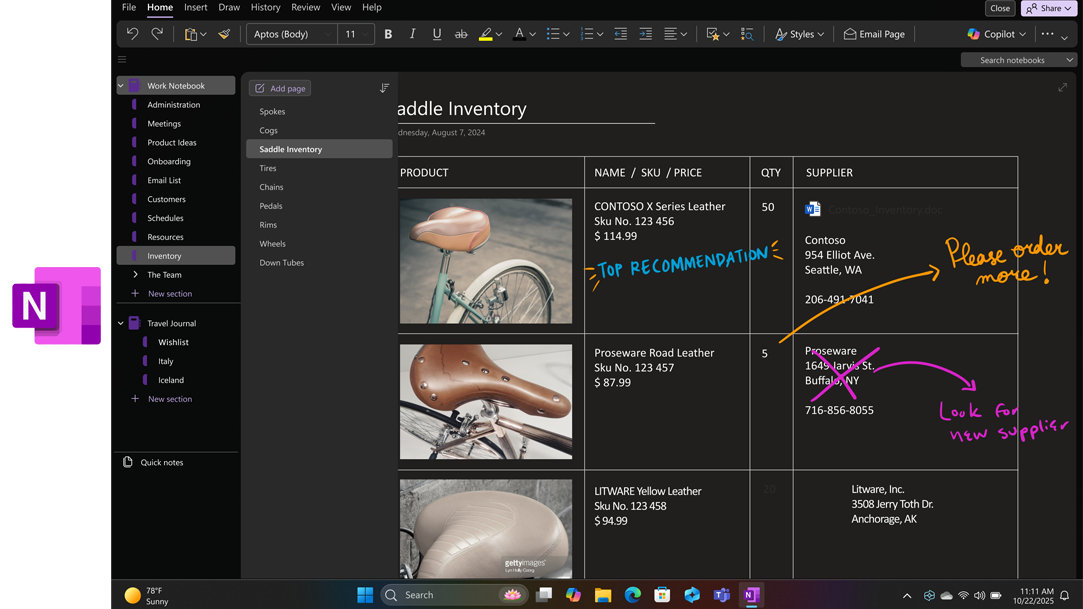
1. OneNote: Keep class notes in one place
Best for: Organized notes, class tags, exam prep
OneNote: is a student’s dream tool for capturing everything—class notes, voice memos, screenshots, and more. Organize by subject, tag key info, and search anything in seconds.
On a Copilot+ PCs, AI-enhanced search makes OneNote even more powerful, helping you find exactly what you need (even from scribbled pages or scanned text). It’s hands-down one of the best productivity apps for students.
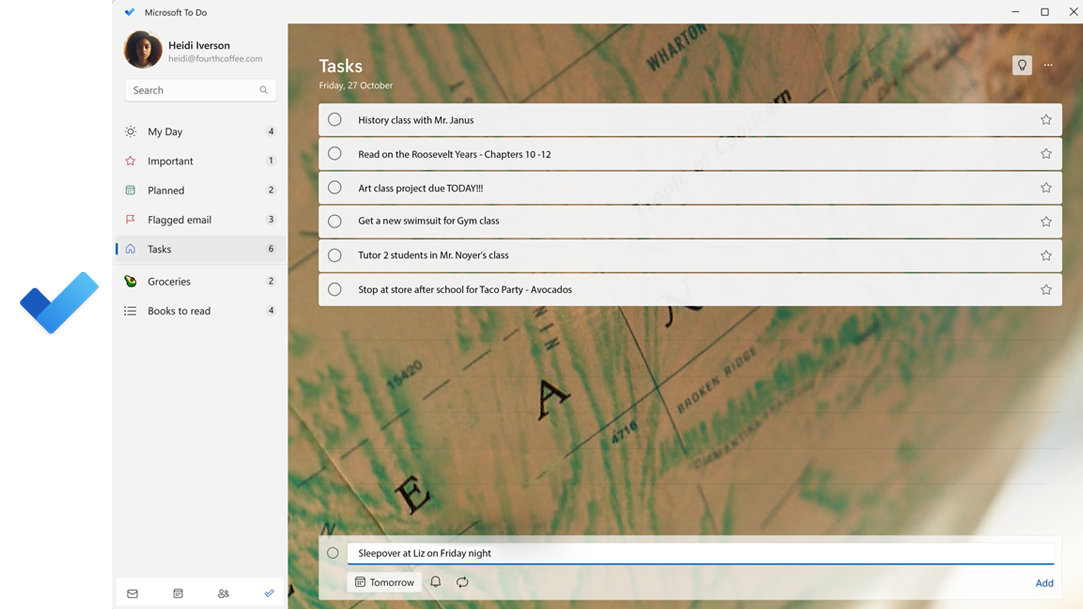
2. Microsoft To Do: Stay on track without the stress
Best for: Managing tasks, building routines, meeting deadlines
Microsoft To Do: is a task manager that helps students stay organized without feeling overwhelmed. You can set daily checklists, create recurring tasks for classes, and even color-code assignments.
With a Copilot+ PCs, you get faster syncing and suggested tasks based on your schedule and habits. It’s a great addition to any set of student productivity tools.
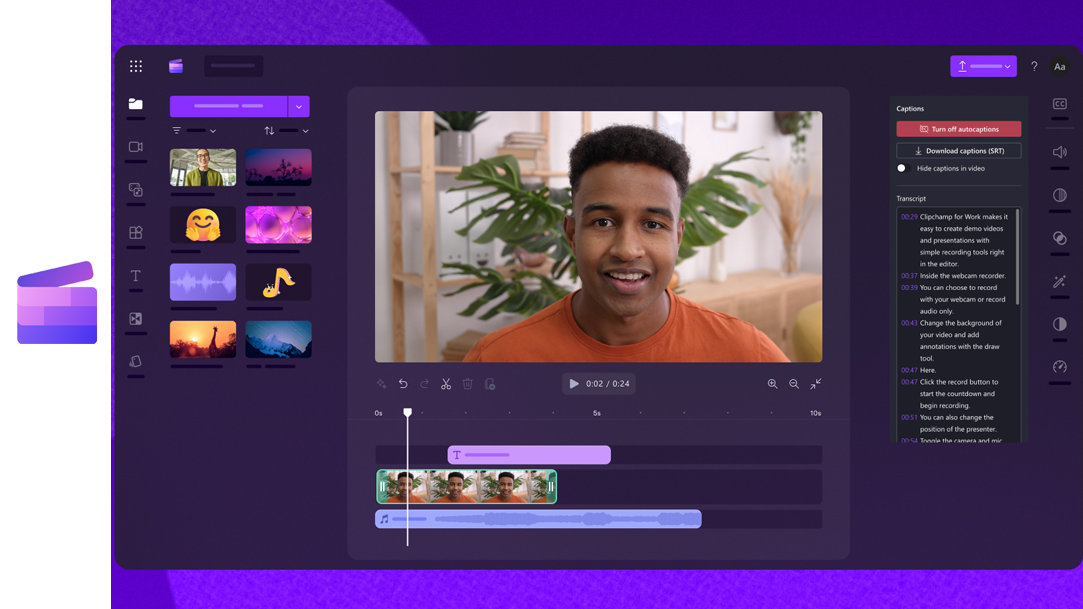
3. Clipchamp: Edit videos for school or social in minutes
Best for: Class presentations, creative assignments, social content
Clipchamp: is a beginner-friendly video editor that’s great for school projects or side hustles. You can use templates, stock music, and drag-and-drop tools to create polished videos—no editing experience needed.
On a Copilot+ PCs, Clipchamp benefits from AI-powered features like auto-captioning and smart trimming, plus quicker rendering. It’s one of the more fun and versatile productivity apps for students. Extra credit: Use Clipchamp to create video summaries of notes as a study tool.3
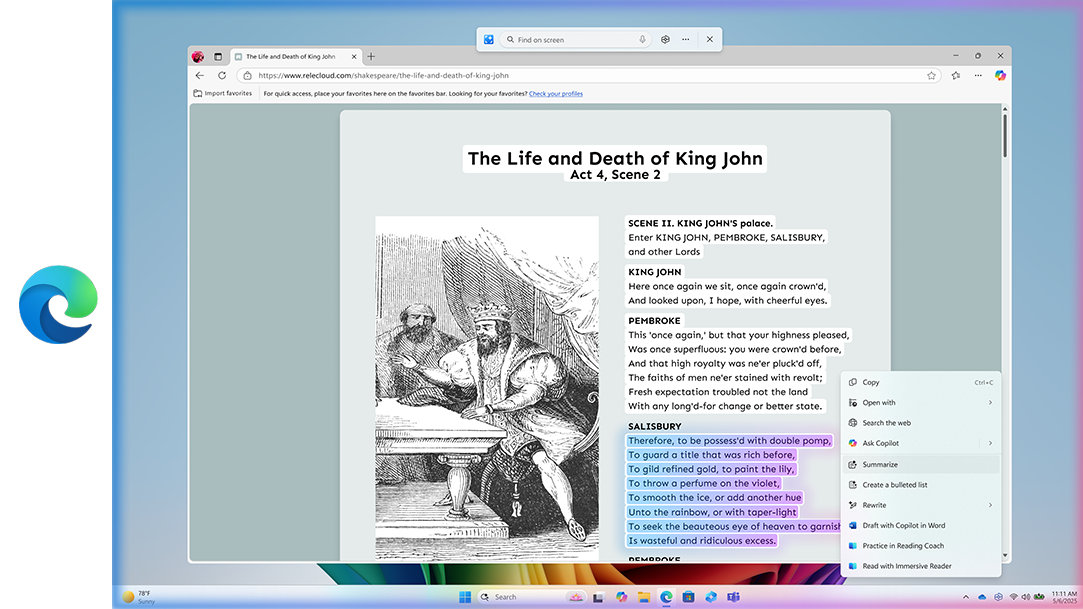
4. Edge browser: Research smarter, not harder
Best for: Managing tabs, building reading lists, organizing research
The Microsoft Edge browser: is built for multitasking students. Use vertical tabs to avoid clutter and save links into Collections to group research materials by topic.
Paired with Copilot+ PC features, Edge can summarize articles, suggest sources, and even help organize your thoughts into outlines. If you do a lot of online reading or research, this is software for study you’ll want in your toolkit.
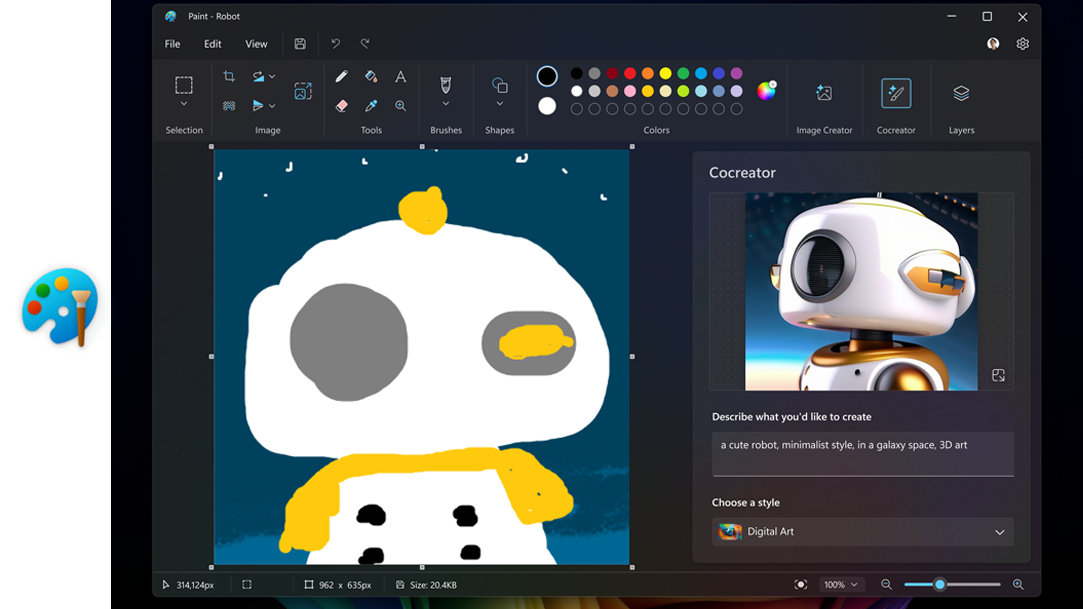
5. Paint: Quick visuals, diagrams, and creative touches
Best for: Annotating screenshots, sketching ideas, simple graphics
Paint has quietly become one of the most versatile tools for students—especially on Copilot+ PCs, where AI features like background removal, Cocreator image generation, and layer support add serious flexibility.4
Need to sketch a diagram, mock up a visual for a project, or annotate a screenshot for a class presentation? You can do it all in seconds. Try using Cocreator to generate custom images for slide decks or concept visuals that match your notes—perfect for creative or visual learners.
Get more done with these productivity apps for students
Studying is easier when your apps are working as hard as you are. With the power of a Copilot+ PCs and these five must-have Windows apps, you can stay organized, productive, and ahead of deadlines all year long.
Ready to take your schoolwork to the next level? Explore the latest Copilot+ PCs and Windows 11 to experience faster performance, longer battery life, and AI tools built to help you study smarter, not harder.