Skip to main content Pricing for individuals For families For single users For premium users For students Learn more Pricing for business For small business For schools For government Pricing for enterprise For enterprise For frontline workers For nonprofits For government Meet Copilot Copilot Chat AI Agents Daily Prompt Guide Plans and pricing Microsoft Teams Word Excel PowerPoint Outlook OneDrive SharePoint Planner See all apps and services Microsoft Office Windows 365 Microsoft Viva Microsoft Edge Microsoft Agent 365 Plans and pricing Learn to use Copilot Copilot learning center Cost savings Accounts and billing FAQ Setup and install Templates Training What's new Microsoft Frontier Program Microsoft 365 Roadmap Microsoft 365 Blog Small Business Resource Center Self-help resources Billing support Community Contact Microsoft Support Self-help resources Admin self-help Support plans Find a partner Contact Sales Community Self-help resources Educator Center Request support Contact Microsoft Support Community Become a partner Partner resources See all support Try for free

Try Microsoft 365 Copilot

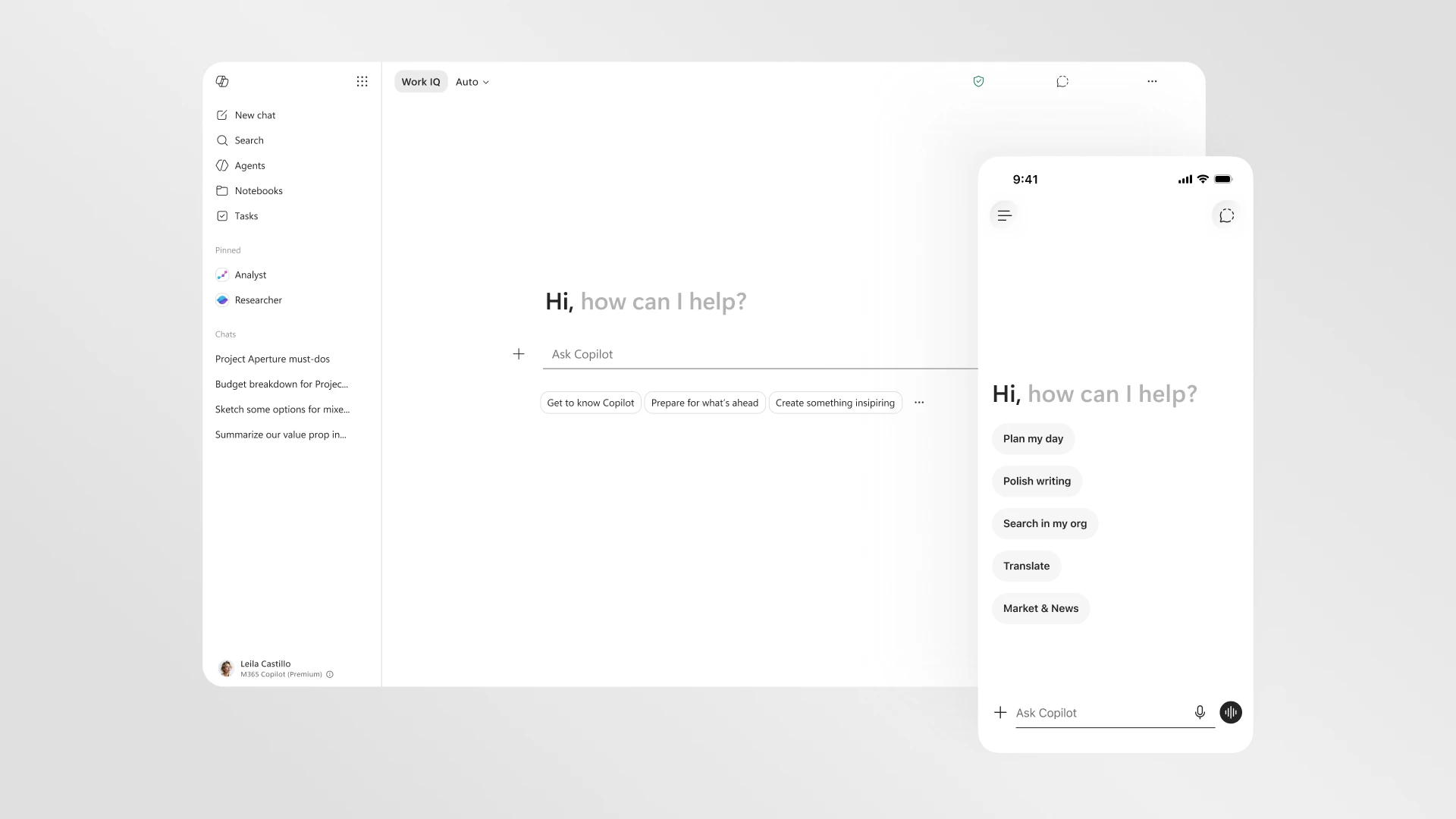
Available on desktop and mobile devices

We’re continually working on making the OneDrive experience on Windows 10 even better. At Build, we demonstrated how you can use OneDrive on Hololens. Recently, we also added new features to our mobile app that allow users to automatically upload screenshots, receive notifications when someone starts editing a shared document, and pin specific folders to the Start screen. But today we’re releasing an update that brings our app to your Windows 10 PC and the Surface Hub.

OneDrive

Access, share, and collaborate on all your files from anywhere.

OneDrive icon.

OneDrive