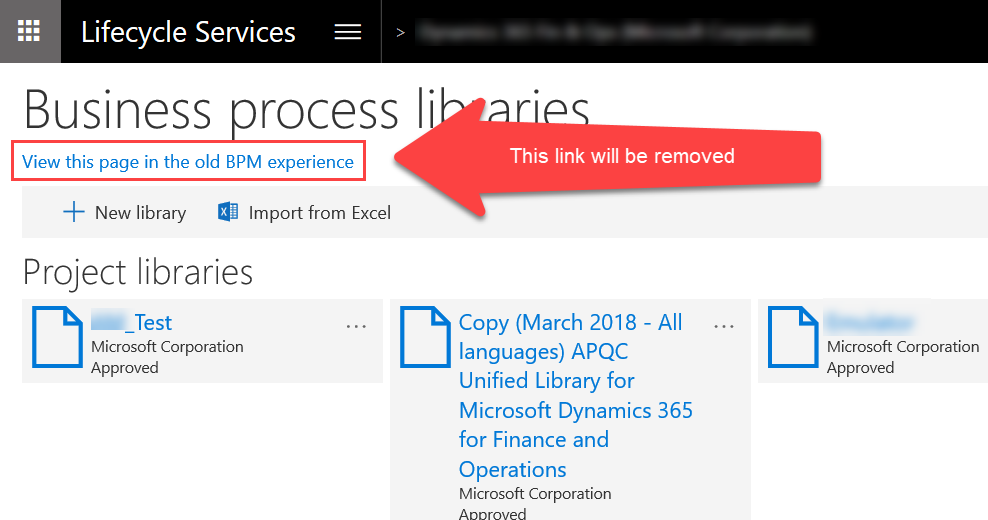
The legacy user interface in the Business Process Modeler (BPM) is planned to be removed by the end of April 2019.
The new BPM user interface is the default BPM page, with feature parity to the legacy user interface. The legacy BPM interface will not be accessible from LCS after it’s removed.
Features that are in the legacy interface, but not in the new interface, will be enabled before the legacy interface is removed. These features include:
- Visio attachment indicator – If there’s a Visio diagram attached to a business process, there will be a Visio icon added as a visual cue.
- Reviewed By and Reviewed At – After a process is marked as reviewed, the reviewer’s name will appear in Reviewed by field and the reviewed date/time appear in the Reviewed At field.
- Export to Microsoft Excel – Exporting processes from a BPM library will be supported from the new BPM user interface.
These features above are planned to be released by in early March 2019.