Today, more than ever, technology is influencing the way students learn, teachers deliver curricula, and school leaders guide their teams in remote and hybrid environments. The education community has shown incredible resiliency over the last year. Microsoft is here to support you with training and resources to:
- Build confidence in remote and hybrid teaching
- Focus on student-centered learning and inclusion
- Maintain student engagement and well-being
- Manage affordable devices and tools
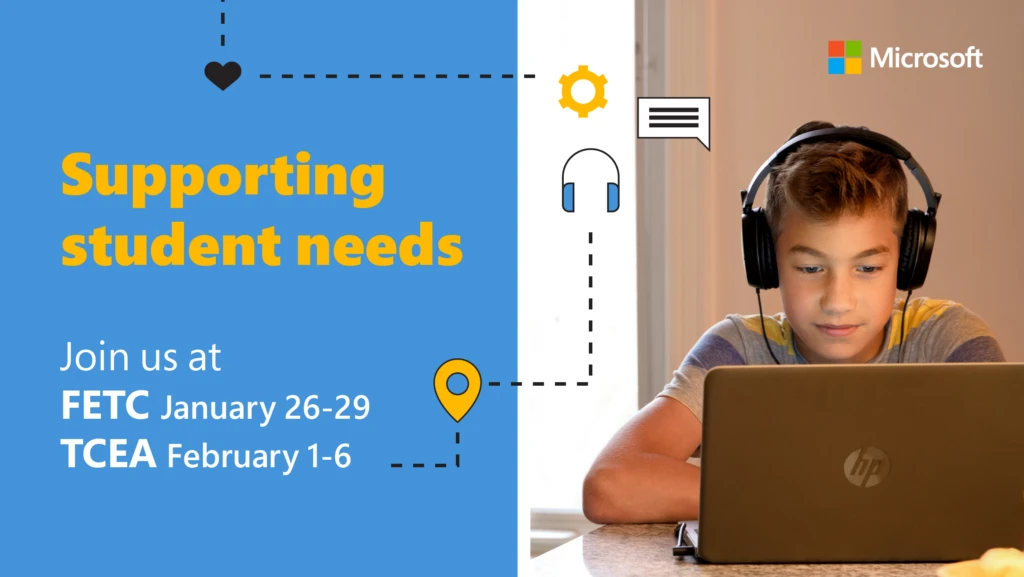
Join Microsoft at the Future of Education Technology Conference (FETC) in January and the Texas Computer Education Association (TCEA) convention in February, where we will offer sessions and live demos featuring tips from Microsoft Innovative Educators (MIEs), school leaders, and Microsoft experts. We’re also hosting a virtual booth where you can connect with our team, view content, and more.
Be sure to check out Microsoft sessions hosted by Leslie Fisher, who will share insights about using free Microsoft Education tools to help you in the classroom.
Hear the latest about your favorite Microsoft technologies, including new features in Microsoft Teams, affordable Windows devices, and classroom tools like OneNote, Forms, and Flipgrid, just to name a few.
Below are a few highlights from our session schedule. To view the complete schedules, visit Microsoft@FETC and Microsoft@TCEA. If you registered for either event, the Microsoft sessions will be available on-demand for 30 days following the conclusion of the conference.
FETC: A free interactive online event | January 26 – 29, 2021
If you registered for the conference, you may access sessions you missed on demand.
| Date | Time | Session name |
| 1/26/2021 | 12:00–12:45 PM ET | Bots make it better: How bots in Microsoft Teams support students, educators and save time |
| 1/26/2021 | 2:30–3:00 PM ET | Education insights to help learners thrive |
| 1/27/2021 | 12:00–12:45 PM ET | Using analytics to enhance graduation outcomes |
| 1/27/2021 | 3:00–3:45 PM ET | Microsoft Teams: Your top questions answered by Leslie Fisher |
| 1/28/2021 | 3:00–3:45 PM ET | What’s new for Microsoft Learning Tools and the inclusive classroom |
TCEA Convention and Exposition | February 1 – 6, 2021
| Date | Time | Session name |
| 2/1/2021 | 1:00–2:00 PM CT | What’s new for Microsoft Learning Tools and the inclusive classroom |
| 2/2/2021 | 11:00 AM–12:00 PM CT | Windows Virtual Desktop: Access your lab/PC and applications from anywhere, on any device! |
| 2/2/2021 | 1:00–2:00 PM CT | Microsoft Education’s view on cyber security |
| 2/3/2021 | 1:00–2:00 PM CT | Let’s team up: Getting started with Microsoft Teams |
| 2/4/2021 | 1:00–2:00 PM CT | Anywhere, any time: Social learning with Flipgrid! |
Registration for FETC is free this year, but you must secure your virtual ticket. Special online event pricing is available for TCEA.
Learn more about resources and tools for educators and sign up for our newsletter. If you can’t attend either of the conferences, visit the Microsoft Educator Center anytime for on-demand training and resources.