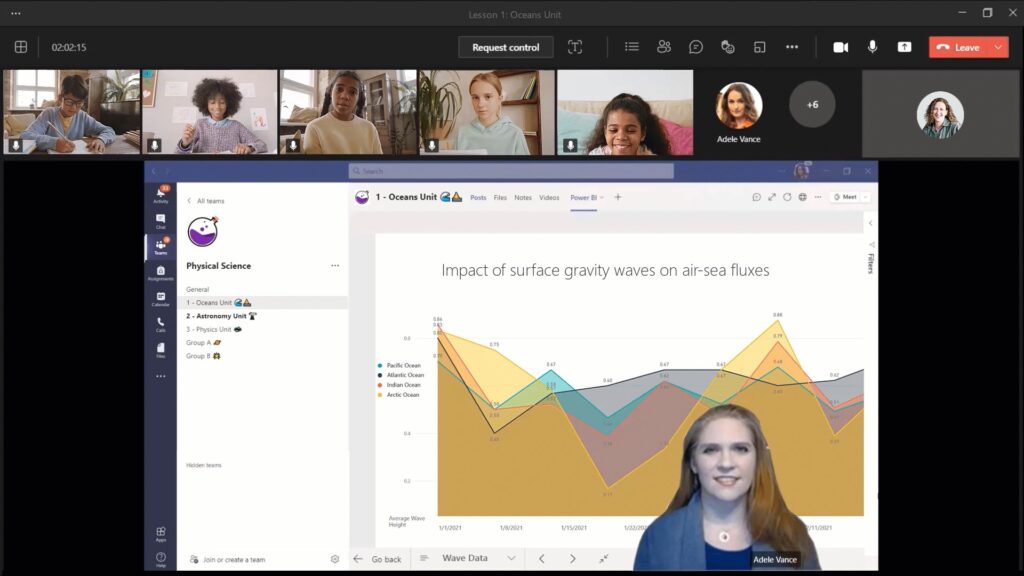
Keeping students focused on learning can start with an engaging presentation. Today, we’re kicking off Microsoft Ignite, an annual event held virtually this year, with some exciting new Microsoft Teams features to help presenters deliver impactful presentations and provide meeting participants with dynamic experiences to keep them engaged.
Dynamic view intelligently and dynamically arranges the contents and participants in your meeting for a better viewing experience. In addition, the participant gallery automatically adjusts when the meeting window is resized.
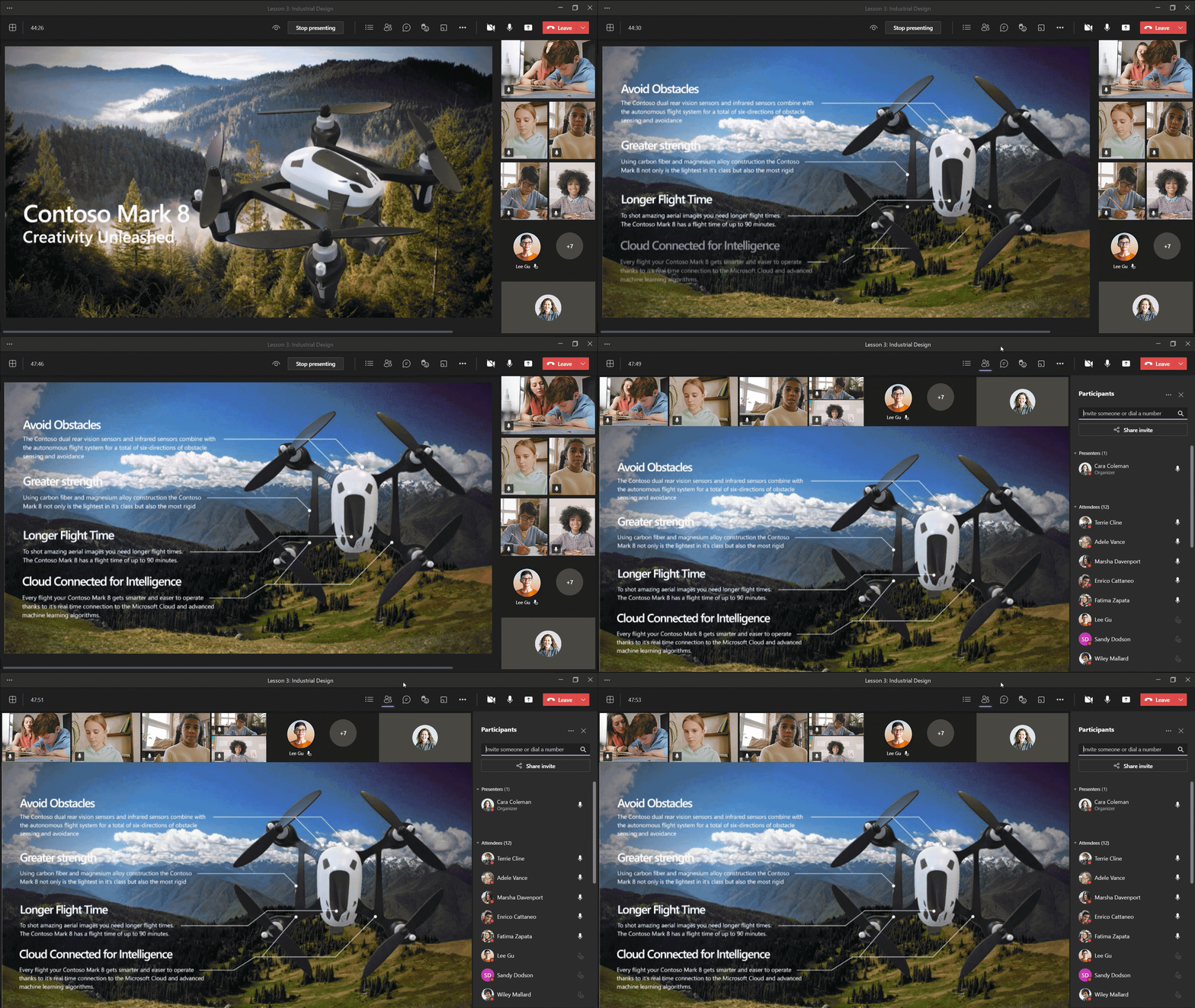
The new Presenter mode empowers presenters to customize how their video feed and content appears for the audience. Our first mode, Standout, shows the speaker’s video feed in front of the shared content. Next, Reporter mode will show content as a visual aid above the speaker’s shoulder just like during a news segment. Third, Side-by-side mode will show the presenter’s video feed alongside their content as they present.
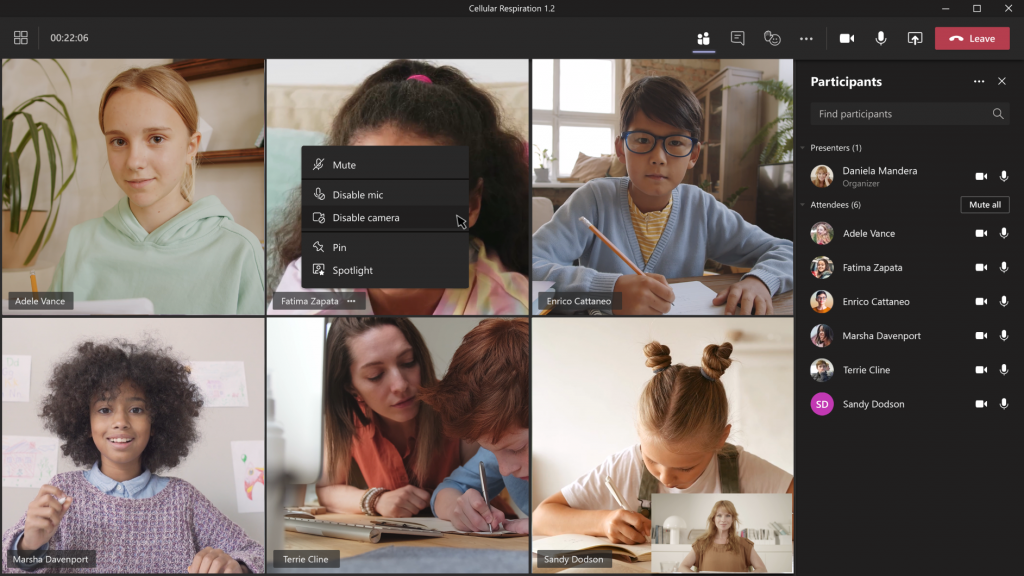
Educators will have the ability to disable video for students, either for individual students or for the entire class. This will help protect synchronous classes from unwanted disruptions and help keep students focused.
Educators will have the new option to download Attendance Reports after a class meeting is over in the meeting chat and channel thread. Only the meeting organizer has access to the Attendance Report, which will cover Join Time and Leave Time, Email Addresses, along with the class Duration so educators can more easily track student attendance and engagement.
Learn more about all these awesome new capabilities coming soon to Teams and if you’re not already using Teams, sign up for free to get started today.