The best browser for gamers 🎮

Level up your experience in and out of games with superior performance, a gaming homepage, cross-device file transfer, sidebar apps like Twitch and Discord, and more. 
Top features for gamers

Edge for Game Bar

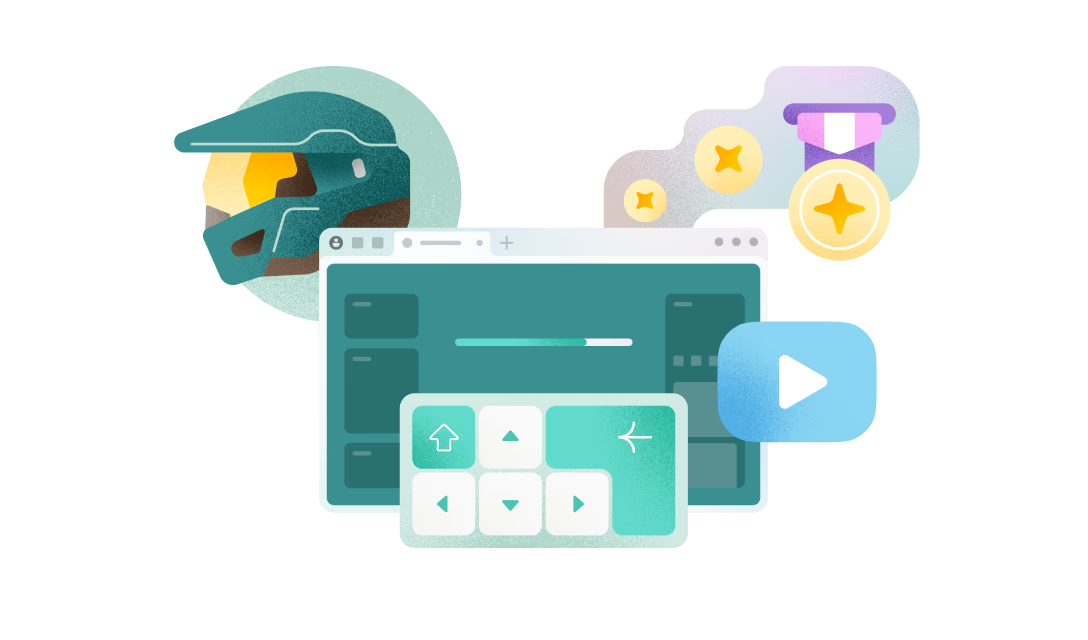
Leave Alt+Tab behind with Microsoft Edge for Game Bar (formerly Microsoft Edge Game Assist), the first in-game browser built for PC gaming that delivers an immersive browsing experience designed to keep you in the game. Browse the web, access guides, chat with friends, and more—seamlessly while you play.
Boost your performance

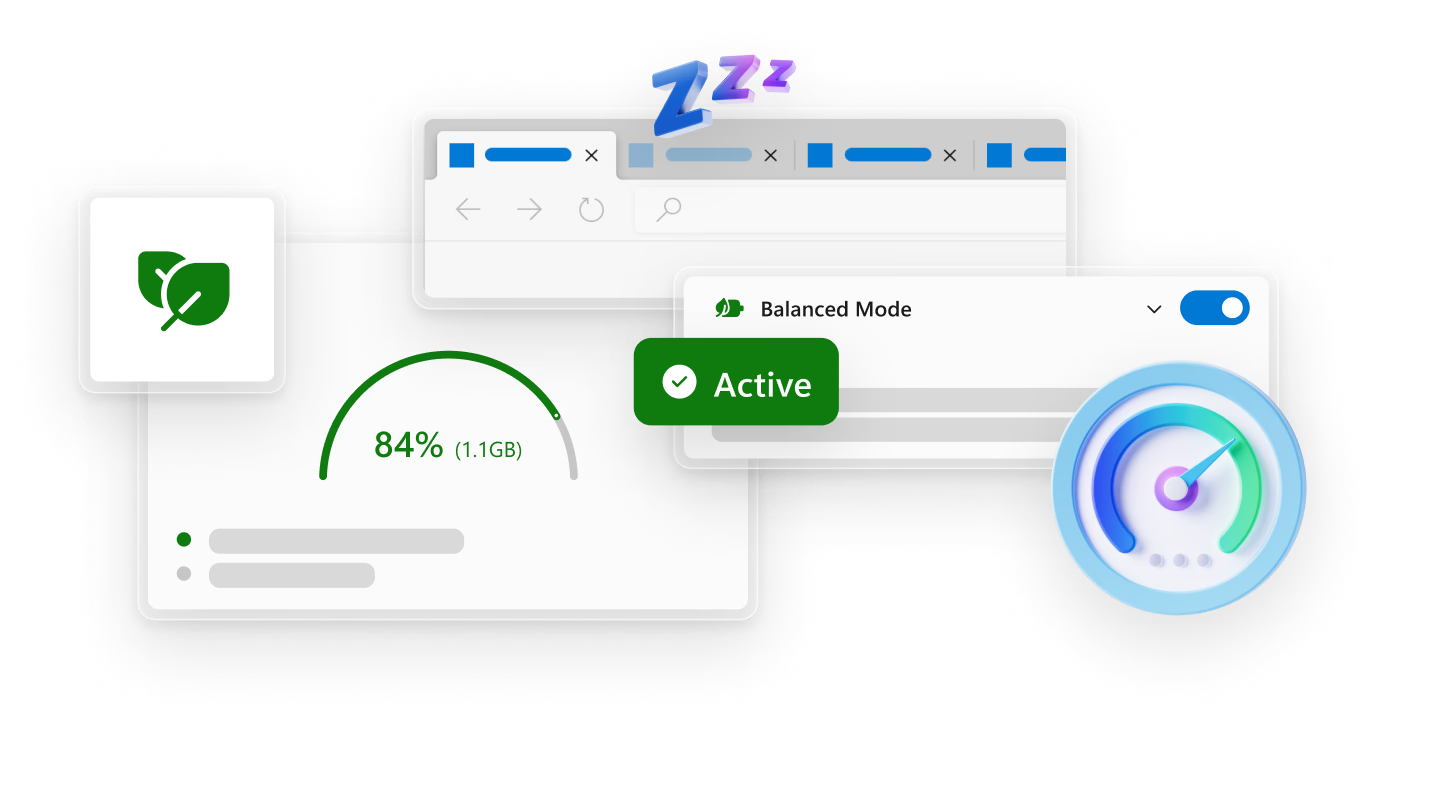
Startup boost and Energy saver together optimizes performance in Microsoft Edge. Startup boost launches the browser faster and PC gaming boost redistributes system resources to improve performance when playing a PC game. 

Experience clearer and crisper visuals

Improve the visual quality of images on the web by upscaling content with super resolution in Microsoft Edge. With Clarity Boost, you get sharper and clearer visuals when streaming games with Xbox Cloud Gaming. 

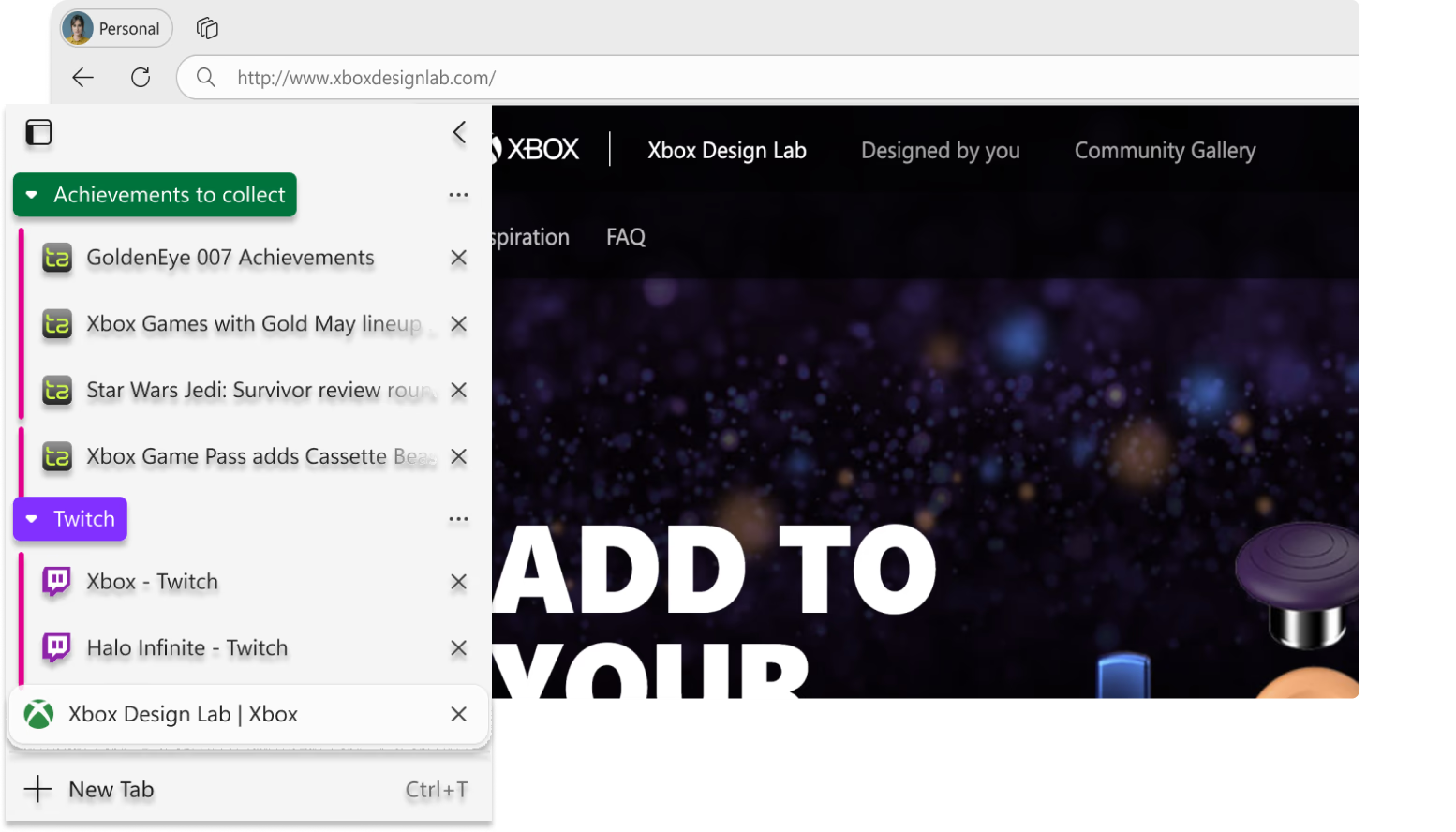
Organize your gaming tabs

Create tab groups to keep your gaming tabs together. Quickly glance at tab groups and other open tabs with Vertical tabs.

Capture and share

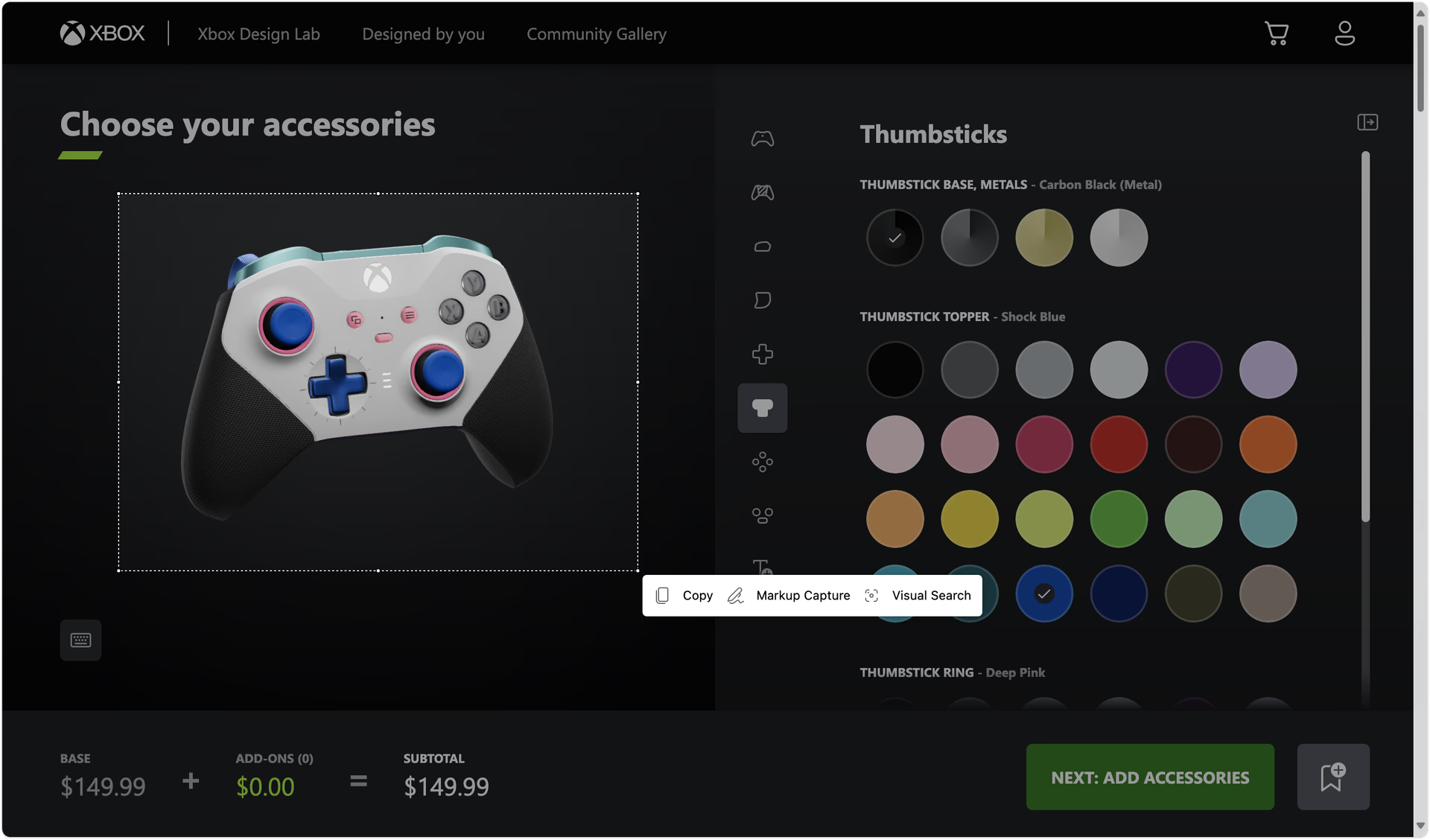
Copy content and retain its original format with Screenshot in Microsoft Edge. Markup and share these files with friends, in community forums or add them to a document.

Personalize with gaming themes

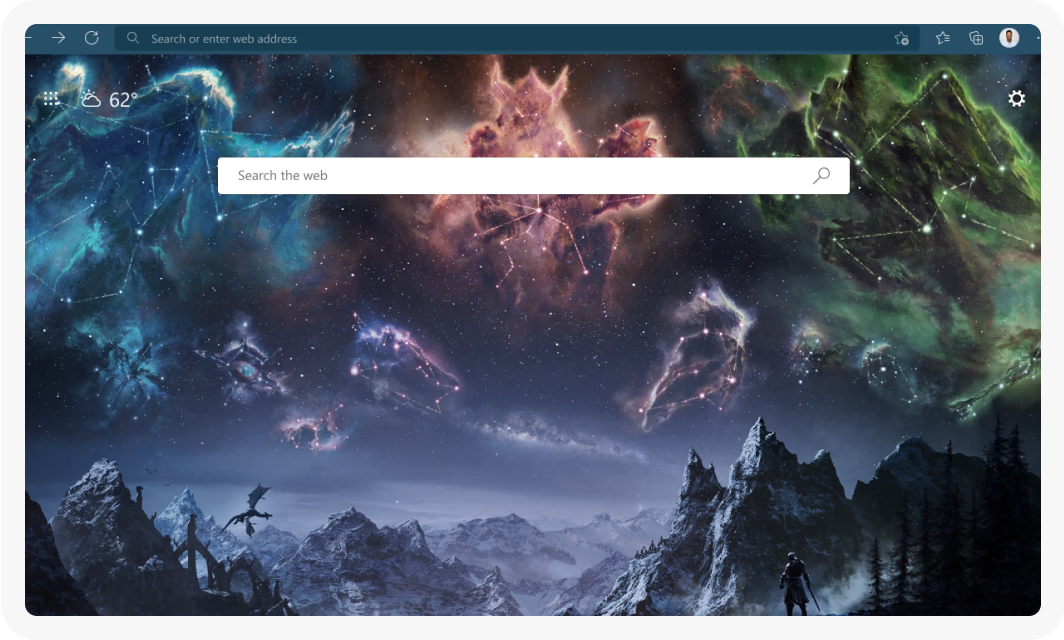
Personalize your browser and homepage with themes from your favorite games including Minecraft, Halo, Sea of Thieves, Skyrim and more.

Catch the wave in the Surf game

Beware of the Kraken as you ride through the water and try to avoid islands and obstacles with this surfing-themed game when you’re offline.

  • * Feature availability and functionality may vary by device type, market, and browser version.