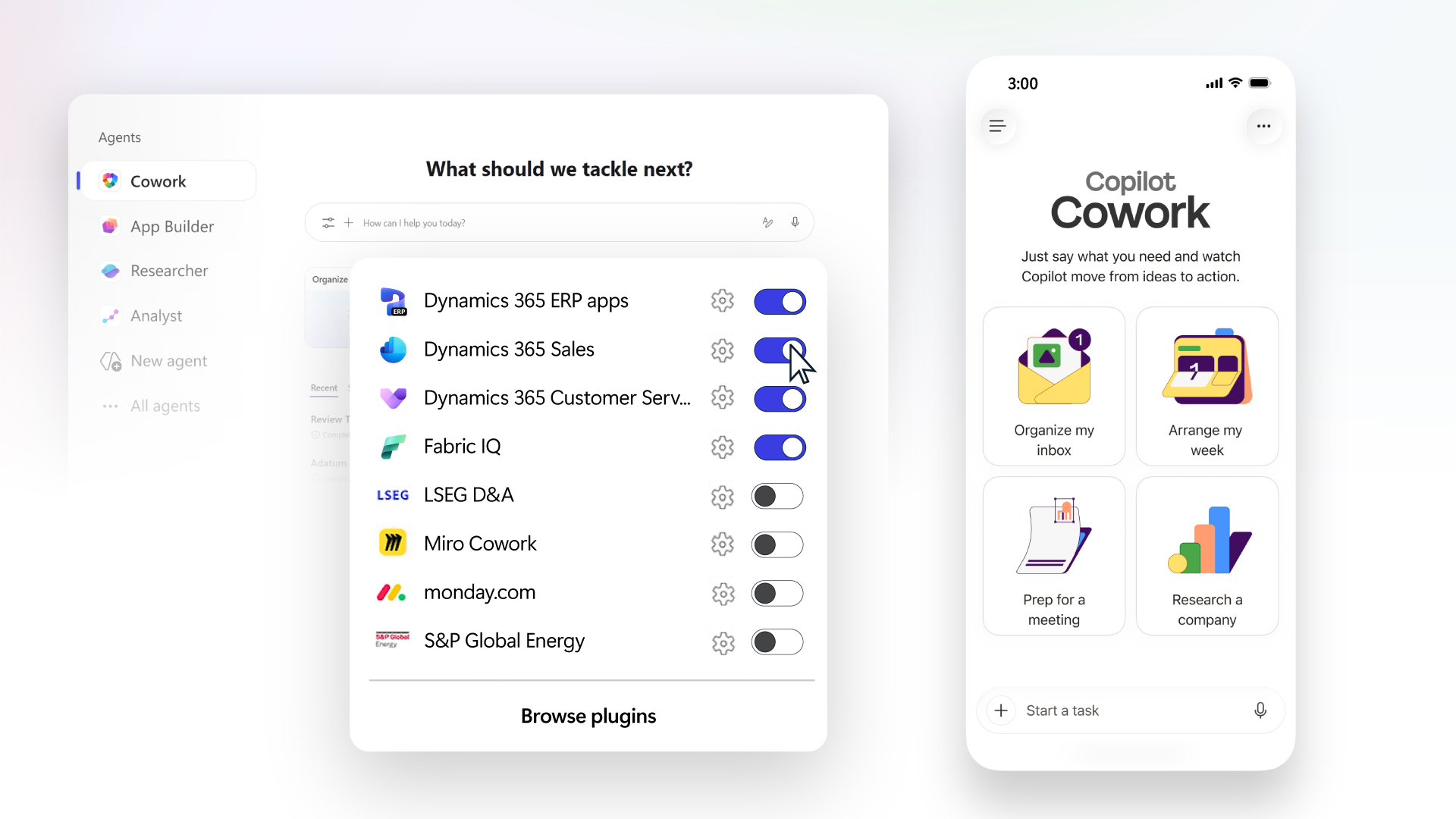
When you experience an application issue and want to report it to Microsoft support team it takes some time and effort to describe the repro steps to the engineers. What can help speed up the process is the Task Recorder. Task Recorder is a tool that can log every click and input you make in Microsoft Dynamics 365 for Operations.
If you have an environment with Microsoft Dynamics 365 for Operations and Contoso Demo database please follow the below simple steps to record your steps to reproduce the problem:
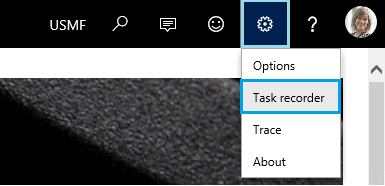
- Click Settings > Task recorder in the right top corner
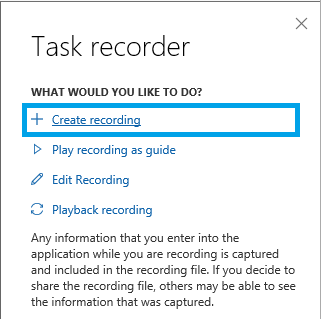
- Choose Create recording
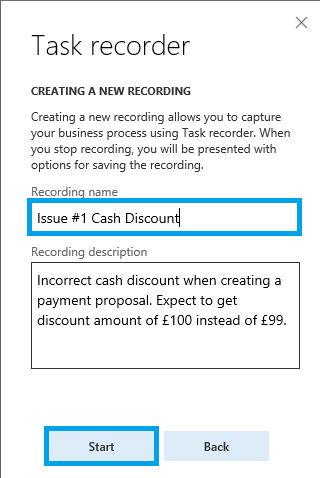
- Provide a name and click Start
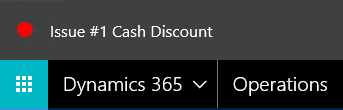
Notice that there will be a red dot indicating that the recording is in progress
- Reproduce the scenario keeping in mind that we will be able to play it back only if you use standard demo data. If you use custom records or setup in the scenario please ensure you demonstrate the process of their creation or set up of the parameters.
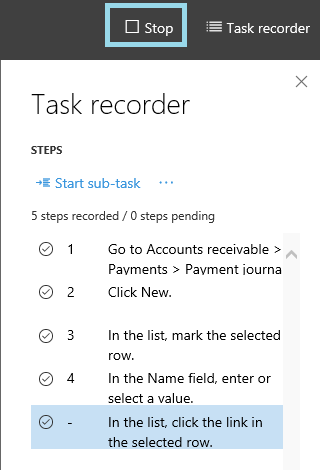
- Once the scenario is reproduced click Stop button
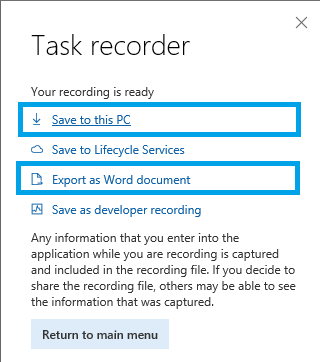
- Click Save to this PC and Export as Word document and attach both files, .axtr and .docx, to the support ticket.
This should take out all of the guess work for support engineers and developers as it will point them to the exact navigation path while they are walking through the step by step process.
Read more