Consider the following scenario:
– You have one Microsoft Dynamics AX 2012 AOS instance fully configured, and users are able to open reports from the AX client connecting to this instance.
– You now add an additional AOS instance.
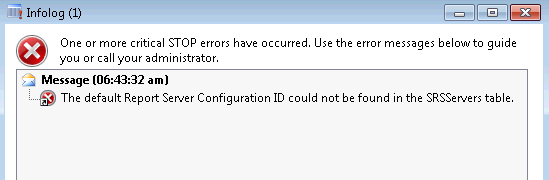
– Users connecting to the additional/new AOS instance get the following infolog error when trying to open an SSRS report:
The default Report Server Configuration ID could not be found in the SRSServers table.
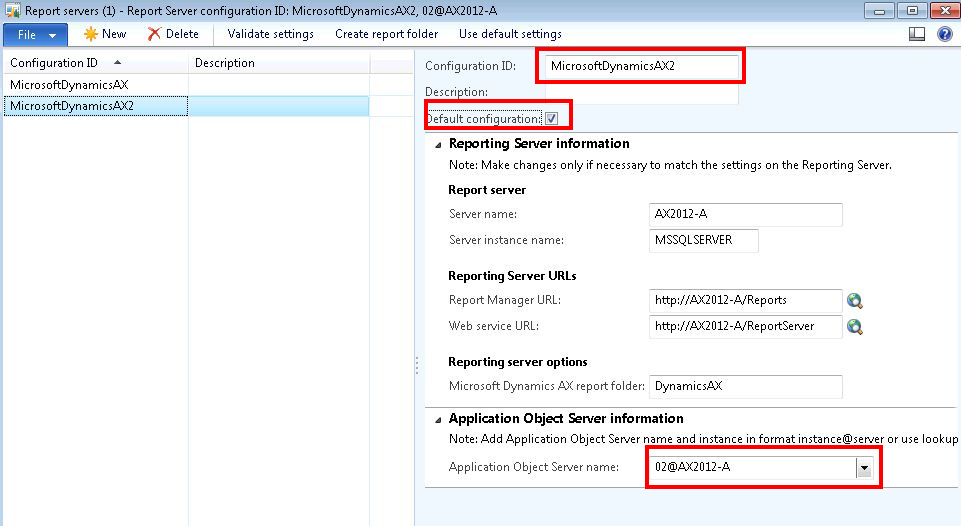
The error occurs because you need to add the new AOS server instance to the Report Servers form. Follow through the steps given at http://technet.microsoft.com/EN-US/library/jj677281.aspx to add a new configuration and ensure under the Application Object Server information tab, you select the new AOS instance.