

Surface Earbuds
Break free from ordinary

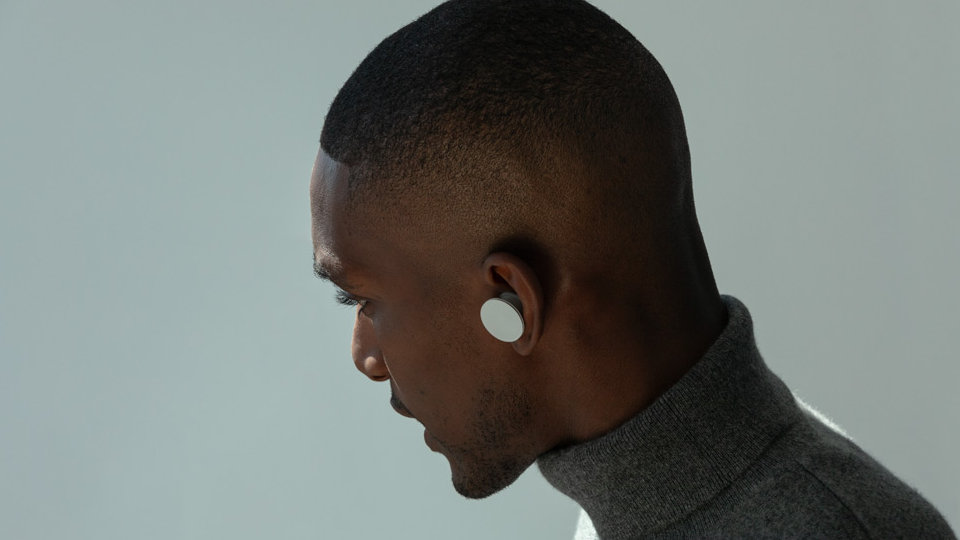
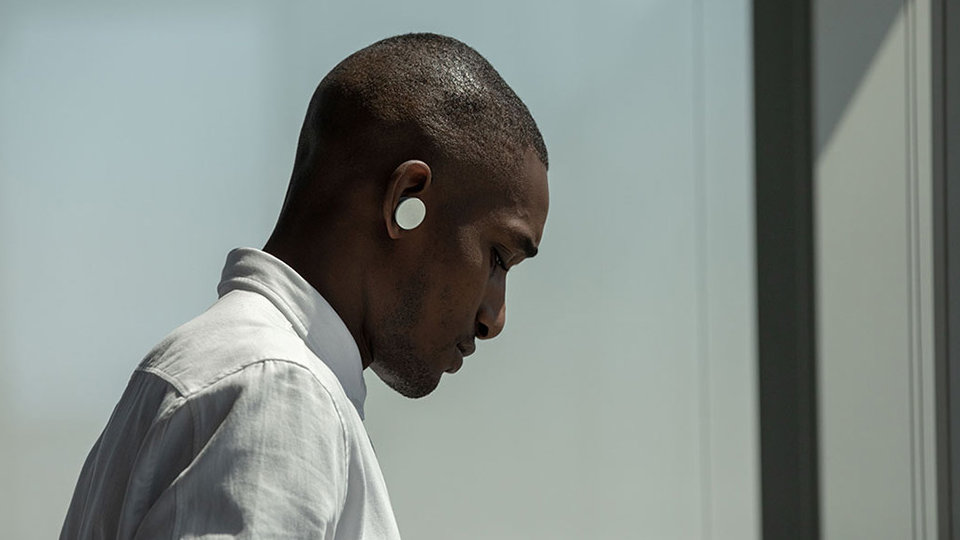
Ultra-comfortable and stable fit
Innovative design of four anchor points sits each earbud securely in your ear. Find your perfect size with three sets of interchangeable silicone ear tips.
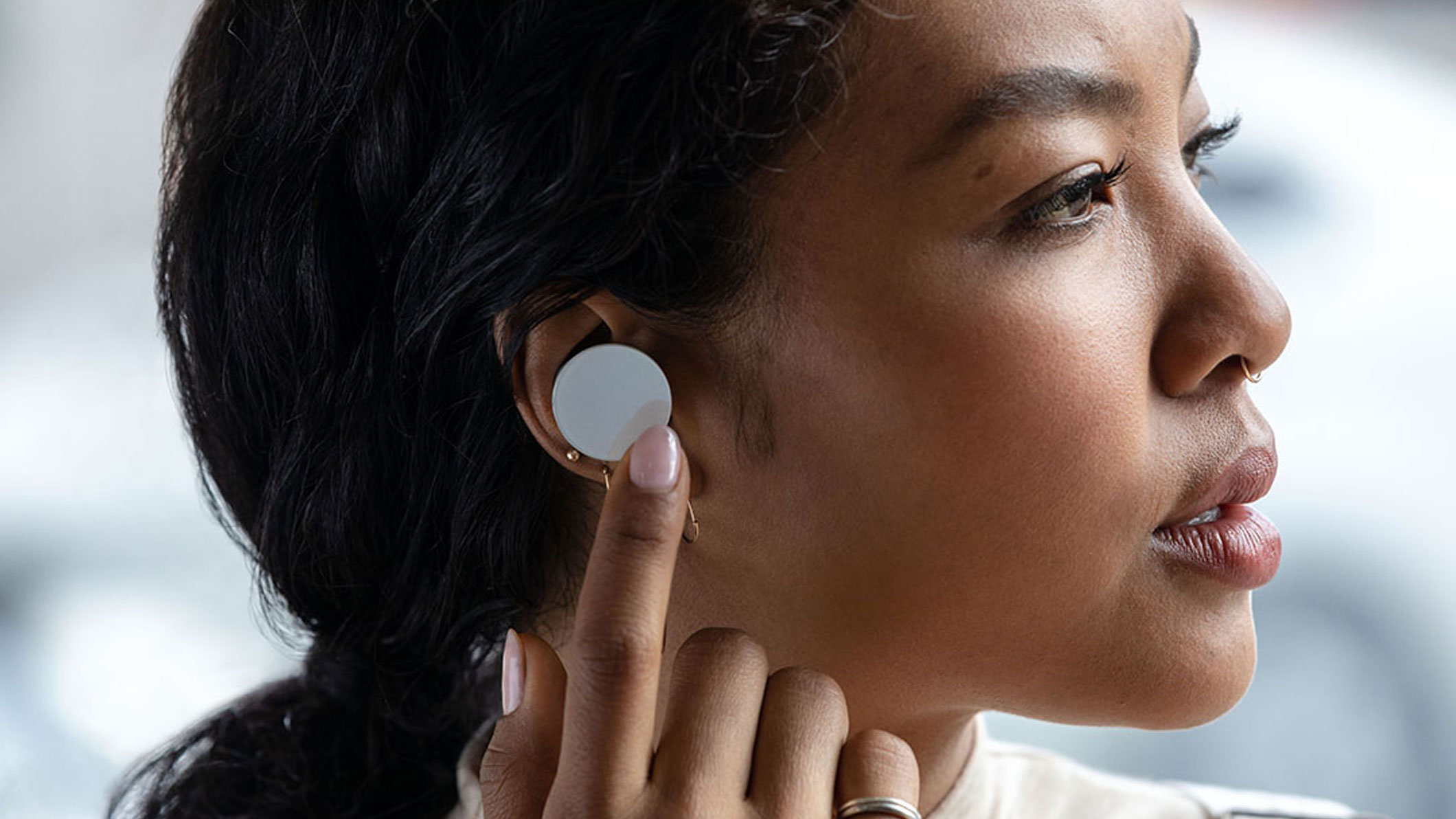
You’re in control
The responsive touch surface enables intuitive gestures like tap, touch and swipe. Skip a music track, adjust the volume, answer and end calls, or get assistance4 without missing a beat.

Premium sound for music and calls
Listen and connect throughout your day with incredible clarity.
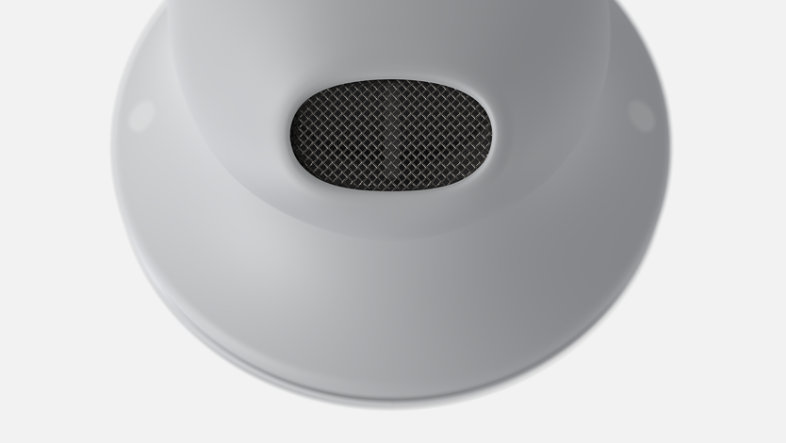
Experience rich, immersive Omnisonic sound
Surface Earbuds features custom-designed drivers that are precisely-tuned to deliver an exceptional acoustic experience.
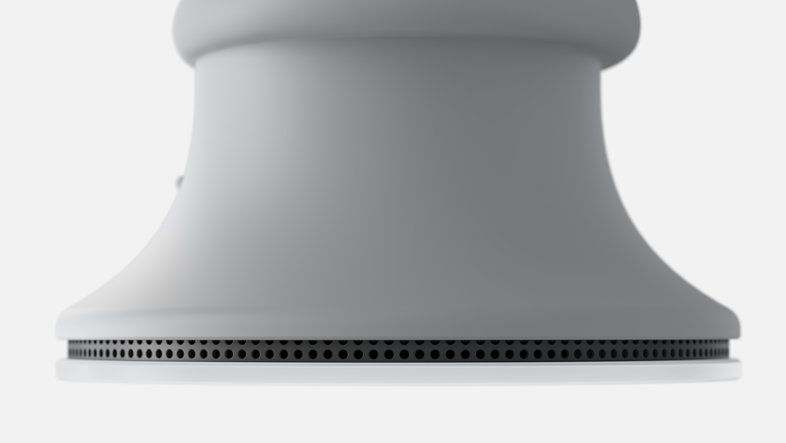
Hear and be heard loud and clear
Two microphones in each earbud deliver exceptional voice recognition and call quality.
Slide %{start} of %{total}. %{slideTitle}
Skip Stay on top of your day
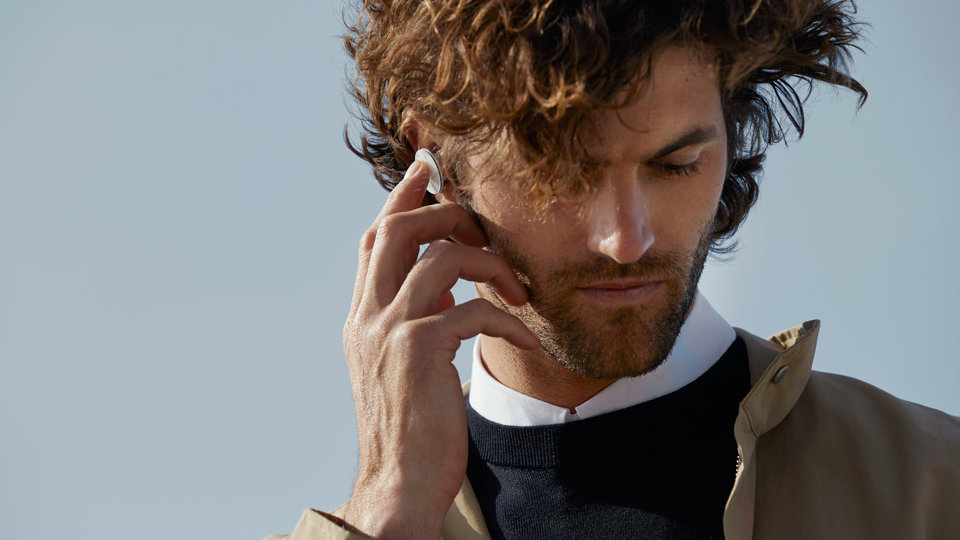
Don’t type. Talk.
Get the most out of Microsoft 365. Dictate your documents in apps like Word and Outlook (subscription required).*
Intuitive gestures
Double tap to answer and end calls.
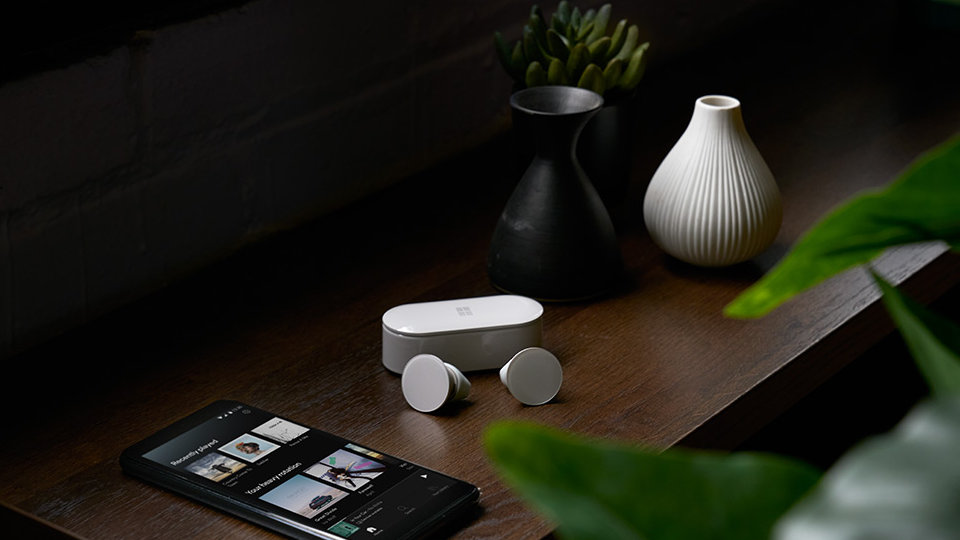
Instant access to your music
Instantly play Spotify5 from your Android phone with a triple tap on either earbud to get to your music faster than ever.

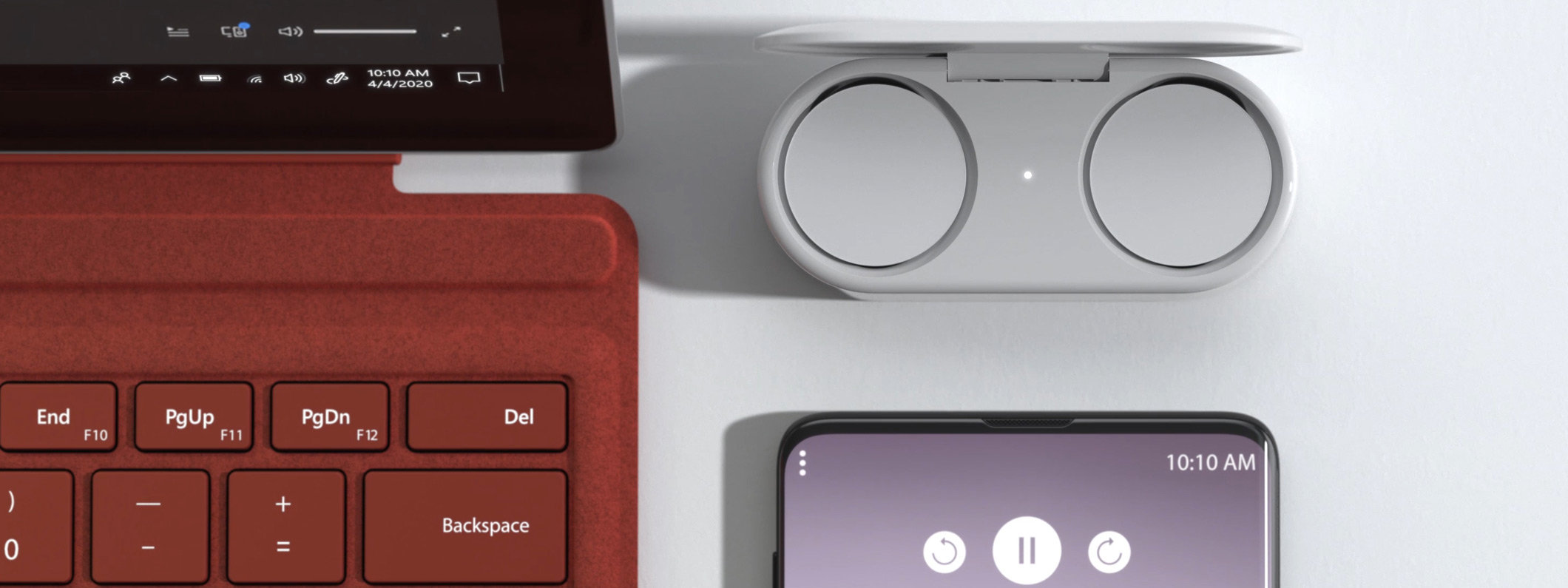
Pairs perfectly
Complete your Surface experience with the perfect accessory to fuel your productivity. Connects effortlessly with one click via Swift Pair.2
- [*] Some accessories, devices and software sold separately.
- [1] Testing conducted by Microsoft on August 2020 using Surface Earbuds with firmware update 3.0.0.6 paired with Surface Laptop 3 and Surface Pro 7. Playlist consisted of 44 songs using SBC encoding. Volume set to 40% and the Bluetooth A2DP profile was used. Testing consisted of full Surface Earbuds battery discharge while playing audio until the Surface Earbuds disconnected from the host device. Battery life depends on device settings, environment, usage and many other factors.
- [2] Pairing functionality requires a Surface or other PC running Windows 10 with the latest updates.
- [4] Requires subscription to Microsoft 365 and app download (requires Microsoft account and internet connection, must accept Terms of Use microsoft.com/useterms).
- [5] Spotify account required.
- [6] Testing conducted by Microsoft on August 2020 using Surface Earbuds with firmware update 3.0.0.6 paired with Surface Laptop 3 and Surface Pro 7. Volume set to 46% and the Bluetooth Hands-Free profile was used. Testing consisted of full Surface Earbuds battery discharge with a Microsoft Teams call until the Surface Earbuds disconnected from the host device. Battery life depends on device settings, environment, usage and many other factors.
Tech specs
Dimensions |
Each earbud: Charging case: |
Weight |
Each earbud: 7.2g
Charging case: 40g |
Exterior |
Colour: Light Grey (Glacier)
|
Frequency response |
20 – 20kHz
|
Speakers |
13.6 mm driver
|
Microphones |
Two microphones per earbud
|
Battery Life1 |
|
Cord |
USB-A to USB-C® cord (1 metre)
|
Controls |
Touch, tap, swipe, voice
|
Compatibility |
Windows 10, Android 9 or 10, IOS 12 or 13, Bluetooth 4.1/4.2/5.0
|
Audio Codecs |
SBC and aptX™
|
Waterproof rating |
IPX4
|
What’s in the box |
Two Surface Earbuds, Charging Case
3 pairs of silicone ear tips (sizes S/M/L) USB-C® to USB-A cable Quick start guide Safety and warranty documents |
Warranty |
1-year limited hardware warranty
|
- [*] Some accessories, devices and software sold separately.
- [1] Testing conducted by Microsoft on August 2020 using Surface Earbuds with firmware update 3.0.0.6 paired with Surface Laptop 3 and Surface Pro 7. Playlist consisted of 44 songs using SBC encoding. Volume set to 40% and the Bluetooth A2DP profile was used. Testing consisted of full Surface Earbuds battery discharge while playing audio until the Surface Earbuds disconnected from the host device. Battery life depends on device settings, environment, usage and many other factors.
- [2] Testing conducted by Microsoft on August 2020 using Surface Earbuds with firmware update 3.0.0.6 paired with Surface Laptop 3 and Surface Pro 7. Volume set to 46% and the Bluetooth Hands-Free profile was used. Testing consisted of full Surface Earbuds battery discharge with a Microsoft Teams call until the Surface Earbuds disconnected from the host device. Battery life depends on device settings, environment, usage and many other factors.



Follow Surface