What's new in Microsoft Edge

Discover new features and helpful tips to get the best experience out of Edge.

Latest features

Productivity

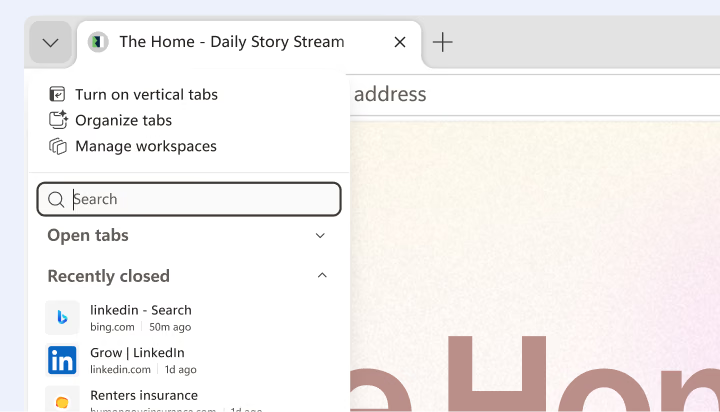
Tab search

Save time with tab search

Copilot

Copilot in Edge

The best of Copilot, now in Edge

Copilot

Copilot connectors

Stay on top of your emails and more

AI

AI Theme Generator

Create your own browser theme

Productivity

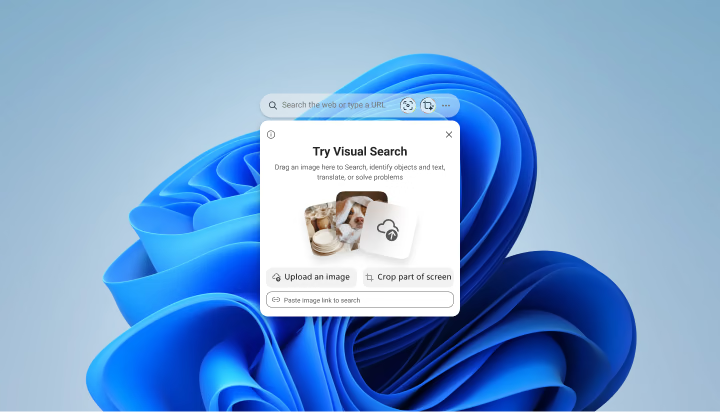
Edge Search Bar

Search images from your desktop

Productivity

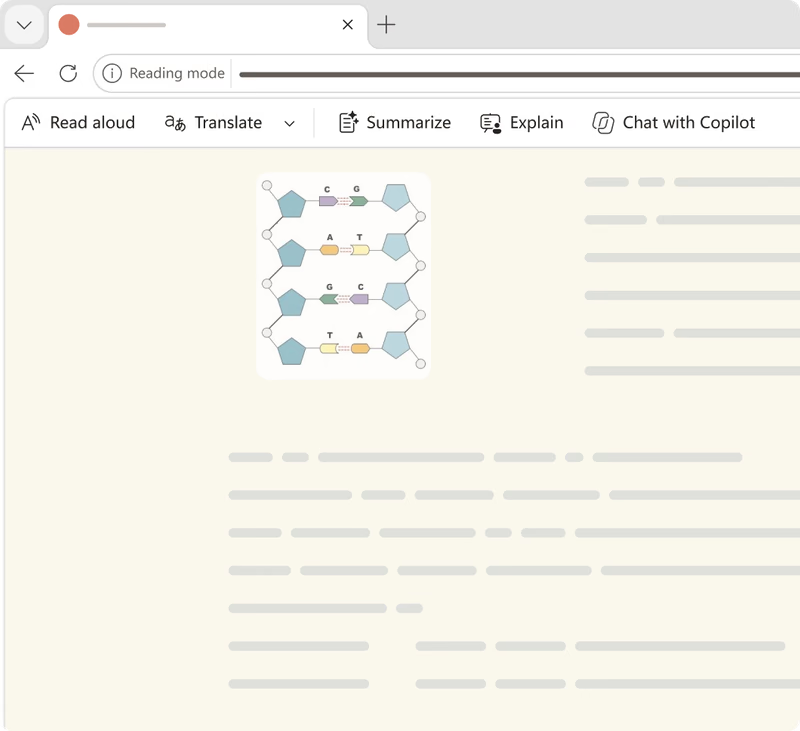
Reading mode

Read without distractions

Most viewed features

Security

Scareware blocker

Microsoft Edge uses local AI to help protect you from full-screen scam takeovers once enabled. Now that's peace of mind while browsing.

Productivity

Visual Search

Search the web using any image. Select an area to find products, discover recipes, learn something new, and more.

Productivity

Vertical tabs

In Microsoft Edge, switch to vertical tabs to stay organized, see more on your screen, and manage tabs from the side of your screen

Security

Passkeys

A safer, easier way to sign in without passwords. Microsoft Edge lets you sync passkeys across your Windows devices for quick, secure access.

Copilot

Compare across tabs

Copilot uses the context of your open tabs to compare options, explain what matters, and complete tasks with help that gets more personal over time.

Productivity

Media control center

Easily control music, videos, and other media playing across all your tabs in Microsoft Edge. Bring all your media into one convenient hub.

  • * Feature availability and functionality may vary by device type, market, and browser version.